
Keeping your profile up to date helps make sure you're getting the right study invitations and improves your chances of being selected.
How do I update my profile?
- Log in to your account
- Go to your profile.
- Select the yellow edit icon to open your profile for editing.
- Review your information and update anything that's out of date.
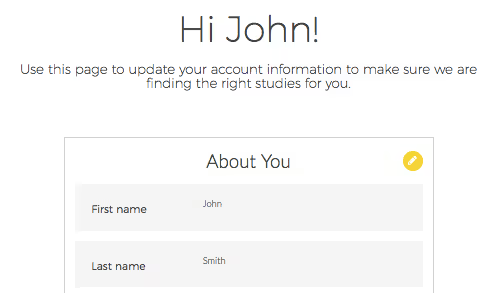
Select the edit icon to update your profile.
You can also connect your social media accounts from your profile (optional).
What should I keep updated?
All of it! Your location and demographic information directly affect the study invitations you receive. We'll occasionally ask for updated demographic data to help us match you with the right studies. If you notice any empty fields, just fill them in.