
If you enjoy being part of our participant community, telling a friend about User Interviews is a great way to earn money between studies. When your friend completes their first study using your referral link, you both earn a bonus.
To find all referral programs currently available:
- Visit your referral page while logged in.
- Select your name.
- Select Referrals from the dropdown menu.
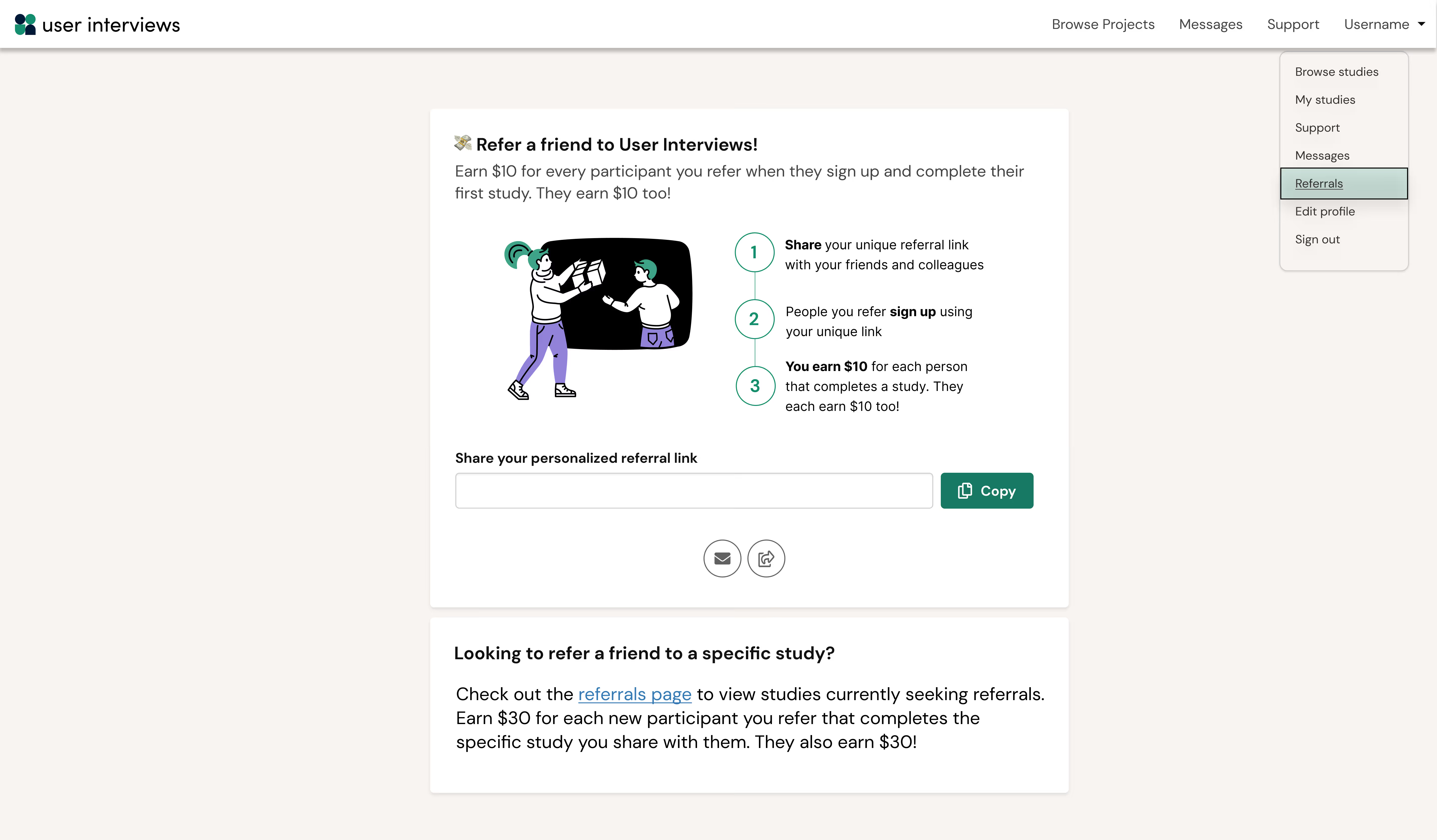
Visit your referral page to find all currently available referral programs.
In this article
- Who can participate?
- How can I refer a friend to join the participant community?
- How do I refer a friend to a featured study?
- Other ways to find studies accepting referrals
- What is the referral bonus amount?
- Is there a maximum number of people I can refer?
- How does my referral link work?
- Who should I refer?
- Can I refer someone who already has a User Interviews account?
- How will I know if my referral completed the study?
- Will you let me know if my referral signed up, applied, or didn't get into the study?
- My referral says they completed the study. Why wasn't I paid?
- How quickly will I get paid after my referral completes their session?
- What payment method is used for the referral bonus?
- Why don't I have a referral page?
Who can participate?
This program is open to participants in good standing. Note that the referral program may not be available to all participants at all times. User Interviews reserves the right to suspend the program at any time.
There are two ways to refer friends, and both pay a two-way referral bonus:
- Give $10 and earn $10 by referring a friend to join the User Interviews participant community. They can sign up with your referral link and apply for any study they like. If they're selected and complete their first study, you both get paid.
- Give $30 and earn $30 by referring a friend to a featured study that's currently accepting referrals. If they apply with your referral link, are selected, and complete that specific study, you both get paid.
How can I refer a friend to join the participant community?
You can refer as many friends as you like. Every time someone signs up using your unique referral link and successfully completes their first study, you both earn $10.
- Go to your referral page while logged in.
- Find your personalized referral link and select Copy [confirm UI label].
- Paste the link into a social post, text message, email, or anywhere else. You can also select the [confirm UI label] button to open a pre-filled email with the link already added.
- Customize the message before you send it.
- Share your referral link with as many people as you like! We'll track their activity back to you.
- After your referral applies to, is selected for, and completes any study, you both earn $10.

Refer a friend to join the User Interviews participant community in a few simple steps.
How do I refer a friend to a featured study?
Some in-demand studies accept referrals. If your friend signs up and successfully completes the specific study you referred them to, you both earn $30.
- Go to the page that lists all studies accepting referrals. You can also get there from your referral page.
- Find a study that's a good fit for someone you know, then select Copy share link to generate your unique referral link.
- Paste the link into a social post, text message, email, or anywhere else. Or select Send via email to open a pre-filled email.
- Your referral can sign up for a User Interviews account and apply to the study directly from your link. They must be signing up for the first time for the referral to count.
- If they're selected and successfully complete their session, you both earn $30.
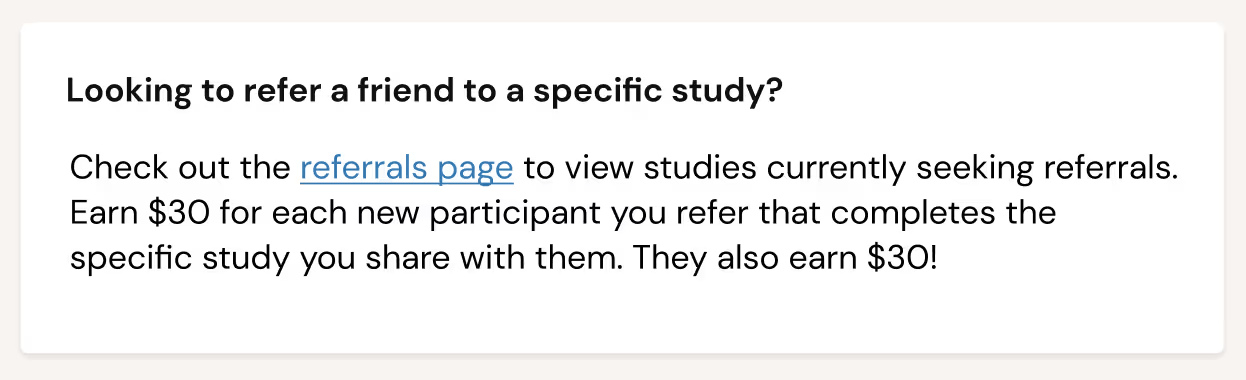
Refer a friend to a featured study that's currently accepting referrals.
Other ways to find studies accepting referrals
You may also be prompted to make a referral when you take certain actions on User Interviews. Here are the pages where you might find these prompts:
- Apply page: The page where you start your application to a study, which shows study details, incentive, study type, and other important information.
- Notification email: The email you receive inviting you to apply to a study.
- Confirmation page: The page you land on after booking a time slot for a study.
- Confirmation email: The email you receive after booking a time slot for a study.
- Not interested page: The page you land on when you tell us you're not interested in a study. This is a good opportunity to share a study with someone who may be a better fit.
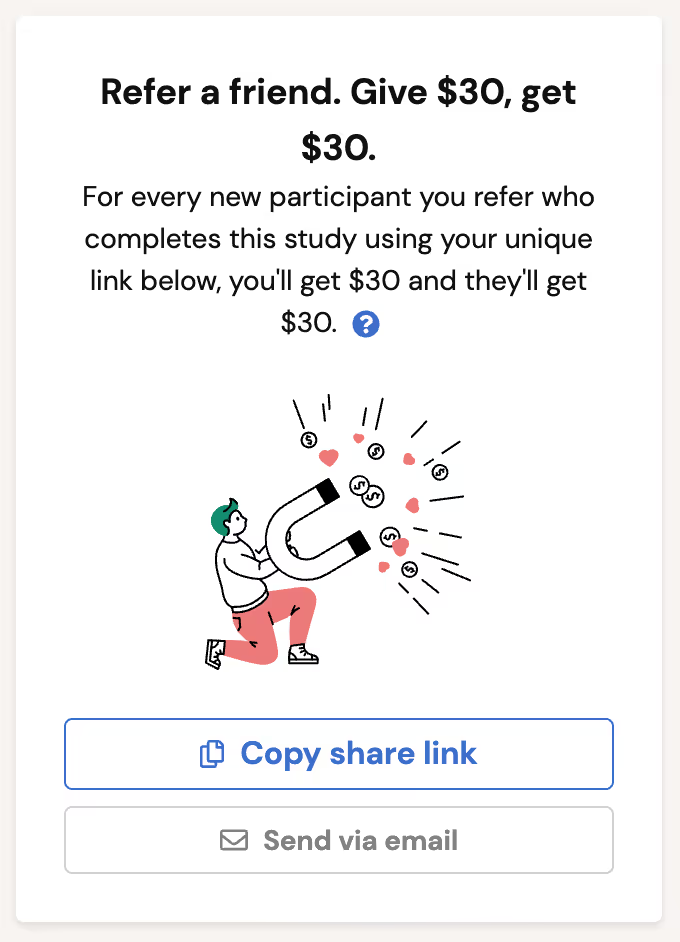
Look out for your referral link on featured studies.
Tip: If you don't see a referral link on these pages or in your emails, the study may not currently be accepting referred applicants.
What is the referral bonus amount?
The referral bonus depends on the type of referral:
- Referring someone to join the User Interviews participant community: $10 to you and $10 to your referral.
- Referring someone to a featured study that's currently accepting referrals: $30 to you and $30 to your referral.
We may update these amounts in the future.
Is there a maximum number of people I can refer?
No. You can refer as many people as you like to join the User Interviews participant community or to apply for a featured study.
How does my referral link work?
All referral links are tied to your unique participant ID. We use this to track referral activity and make sure bonuses are paid when the referral criteria are met.
Who should I refer?
You can refer anyone to join the User Interviews panel. Think about friends, family members, or colleagues who'd enjoy sharing their experiences and feedback with researchers. Make sure your referral is from a country we support.
For referrals to occupation-based studies, think about colleagues in fields similar to yours. The study title, description, or screener survey may give clues about the type of professional the researcher is looking for. When in doubt, refer someone like yourself.
Can I refer someone who already has a User Interviews account?
You can, but they won't count as a referral. To earn the referral bonus, your referral must be a new signup who completes a study. Since they already have an account, neither of you will receive the referral bonus.
That said, feel free to share studies with friends who are already signed up. They'll still earn the study incentive.
How will I know if my referral completed the study?
We'll only notify you once your referral has completed the study and met the referral criteria. You'll receive an email from compensation@userinterviews.com with a link to redeem your bonus.
Will you let me know if my referral signed up, applied, or didn't get into the study?
Since you can refer as many people as you like, we won't send updates at every step. We'll only email you if someone you referred completes the study and meets the referral criteria.
My referral says they completed the study. Why wasn't I paid?
There are a few reasons this can happen:
- For occupation-based studies: Your referral may not have completed the specific study you referred them to. They must complete the same study you referred them to for it to count.
- Fraudulent or suspicious activity: If we detect multiple fraudulent referrals, we reserve the right to withhold the referral bonus.
- Screener vs. study confusion: Completing the screener survey alone doesn't count. Your referral must apply via the screener, be selected, schedule a session, and complete the study.
How quickly will I get paid after my referral completes their session?
Bonus payouts are released automatically when the referral is marked complete. Didn't get your referral bonus email? Sign in and chat with Edison, our virtual assistant. Edison will help you reach our Support team.
What payment method is used for the referral bonus?
The referral bonus is paid through our incentives provider Tremendous. You can choose from 1,000 or more incentive types in over 200 countries, including Amazon and other gift cards, prepaid rewards, and charitable donations. We're not able to offer alternative payment methods at this time.
Why don't I have a referral page?
The referral program may not be available to you at all times. User Interviews reserves the right to suspend the program at any time.